
Envoy
An AI-assisted marketing platform for real estate, architecture, engineering and construction firms: marketing teams use it to build their website and manage its content in real time.
Envoy gives a marketing team a direct way to build and run its website. The team describes what it needs, a new project page, a leadership change, an award, and Envoy builds it in the site's own template, ready to publish in seconds. The same portal carries the site's reporting, its leads, its brand assets and its brand guide, so the whole of the website's marketing sits in one place.
What makes that possible is what Envoy knows. Interface designs and builds the website Envoy works across, and keeps a knowledge network about each firm: its projects, its people, its expertise and the way it describes its work. Adding a project or a new hire usually means knowing far more than what you want to say: which fields to complete, where the content belongs, how an image has to be sized, how the page will look across the site. Envoy already knows those things. The team can think about the message instead of the mechanics, and nobody has to be trained on the website's backend.
One portal per firm, in the firm's own brand
Each firm gets its own portal at its own address, dressed in its logo and colors. There are no passwords to manage: a team member enters their email and signs in from the link that arrives. A firm with several websites sees all of them under one roof and switches between them without signing out. The first screen of the day shows what was published, what is still in progress, which leads arrived and what deserves attention next.

Describe the change, see the finished page
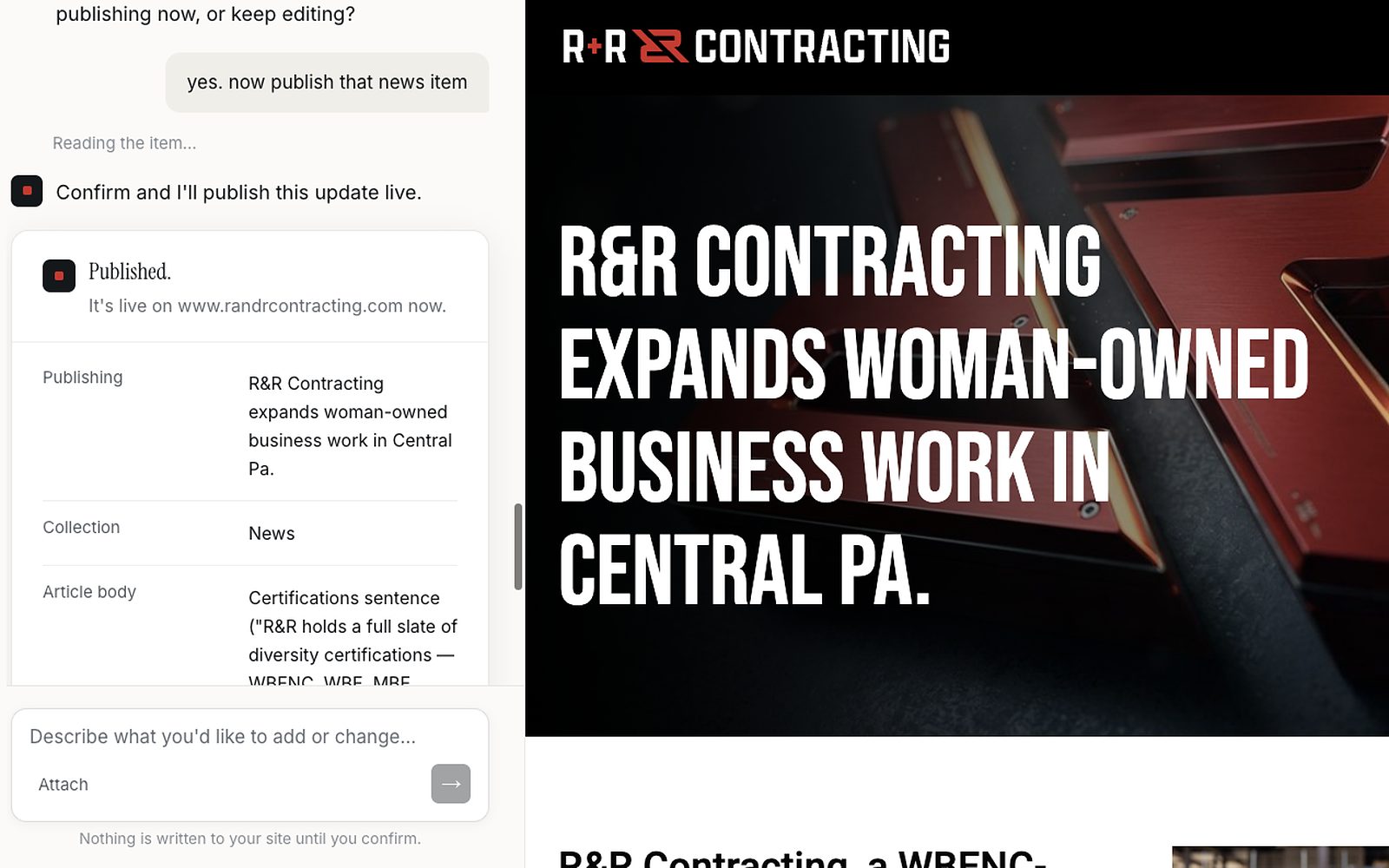
Anyone on the marketing team can tell the assistant what they need in plain language: add a project, fix a bio, announce an award, build a new section. The assistant asks for whatever is missing, or takes a document the team already has and organizes it into the right fields. The screen splits in two. The conversation runs down the left, and the right side shows the page itself, in the site's own template, exactly as it will appear. The assistant can also open a page that is already live, read what it says now and prepare a revision while the live version stays as it is. Recent conversations stay in the sidebar, and any of them can be picked up where it stopped.

Live in seconds, from the same conversation
When the page is right, it goes live from the conversation, and the website updates within seconds. It is as immediate as working inside the content system itself, without ever opening it. Every publish is recorded, with who asked for it and when.
The numbers, and what to do about them
The same portal carries the site's reporting, with no second login. The month opens in a sentence, in plain language, with the numbers and their caveats underneath: where visitors came from, what they did, which search terms are pulling people toward the site, how many visitors accepted cookies, and how the major AI engines answer questions about the firm. Envoy reads that reporting and raises recommendations, each one naming the exact page it concerns and the reason it surfaced. A page that used to pull traffic and quietly stopped gets flagged. So does a search term climbing fast that the site barely answers. Open a recommendation and it becomes a conversation with the assistant, then a draft, then a page.

Where AI engines cite the firm, and where they do not
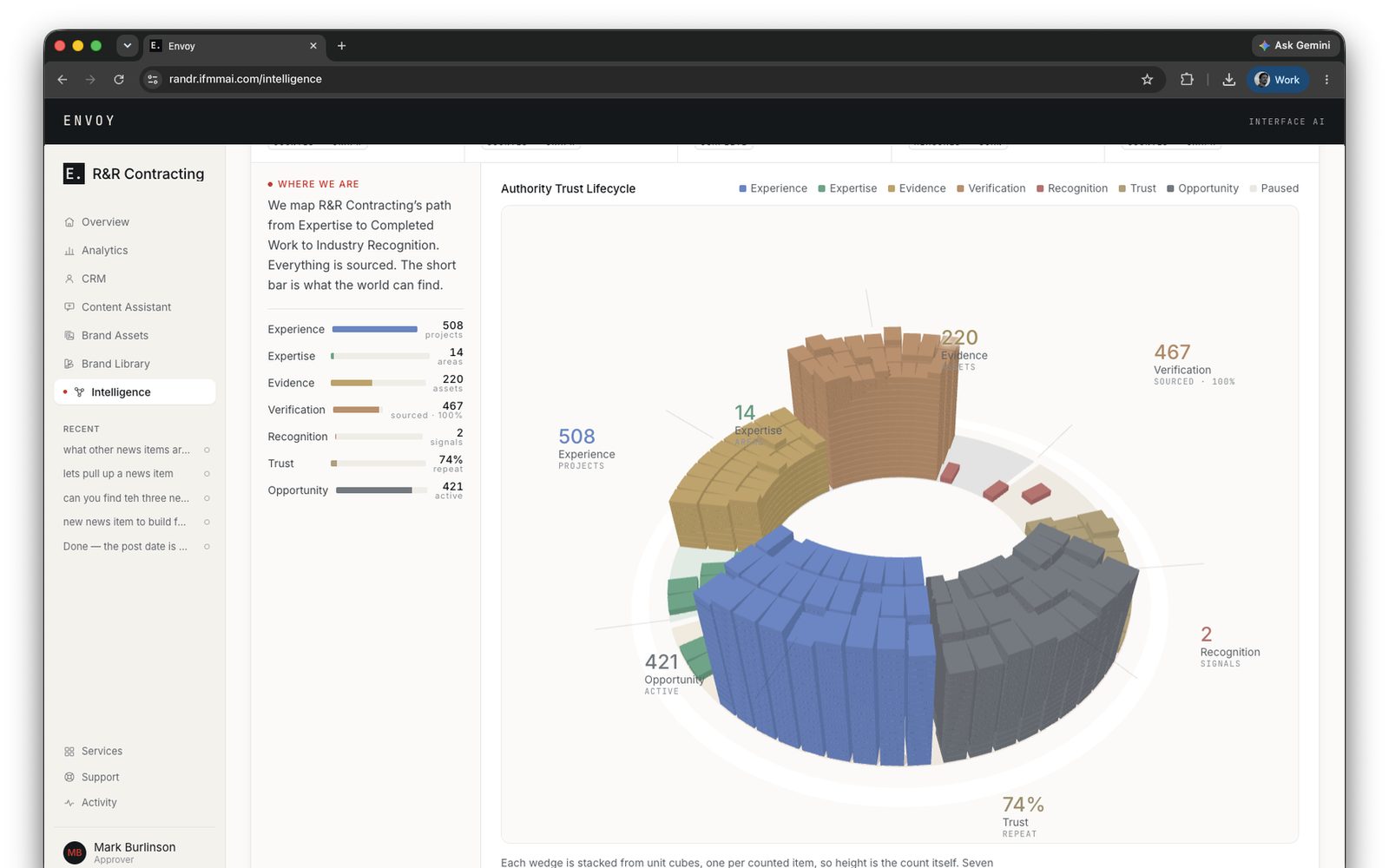
The portal also shows how the firm reads to AI engines. Interface keeps a knowledge base for each firm, and the Intelligence view measures two things against it: how much of the firm's story is backed by evidence, and how much of it AI engines repeat back when asked. It follows the firm from experience and expertise through evidence to recognition and trust, one block for each item counted, so a thin stage stands out at a glance. A gap list ranks the claims that win work by the distance between what is proven and what an engine can cite, and links each one to the page that makes the claim. Scan history separates the answers that recommend the firm from the ones that only mention it, and a short queue lists facts waiting for someone at the firm to confirm.
Leads land in the same place
Every inquiry the site's forms collect arrives in the portal as a named lead, carrying the page and the form it came from. The team marks each one as new, contacted, qualified or closed, and exports the list for whoever runs business development. Spam is moved out of view and kept, so a legitimate inquiry caught by the filter can still be recovered.

Brand assets: the files the brand allows
The portal holds the approved brand imagery: logos, photography and the files a team actually needs, in folders, searchable, and synced from the same library Interface's design team works from. Open an image and it shows a one-line description and tags, and the search reads both. Pull a logo from Envoy and it is the version the brand allows, not the one attached to an email from two jobs ago.

Brand library: how the brand looks and sounds
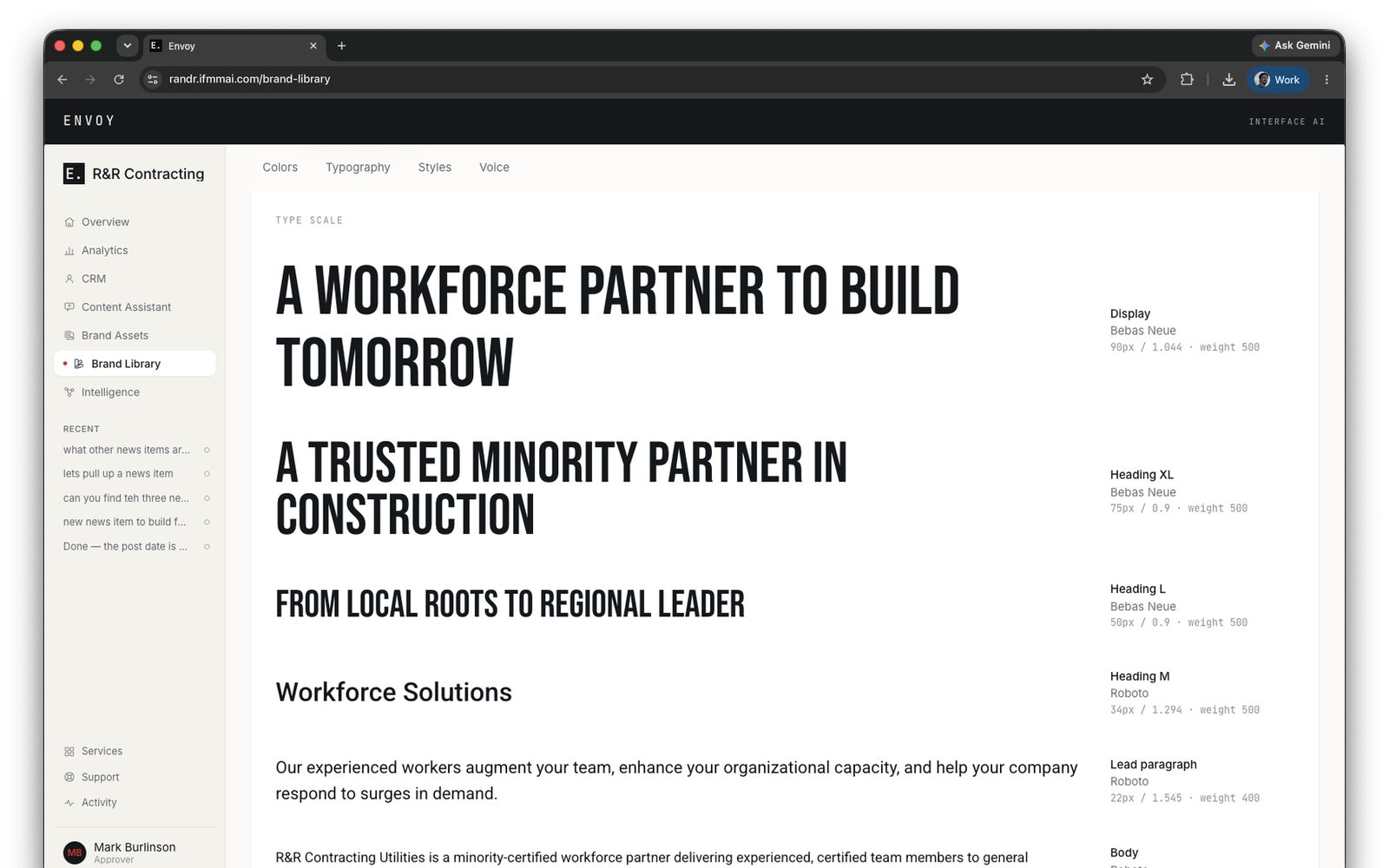
The Brand Library is the brand guide, kept as a page in the portal. Colors come first, grouped as primary, secondary, neutral and supporting, and each card turns over to show its HEX, RGB, CMYK and CSS values. Click any value to copy it. The typefaces follow with their roles and weights, then a type scale that sets every style, from display headlines down to the footer, in the real font. Button and link styles are drawn in the brand's colors. Voice closes the page. It describes how the firm sounds, places it on scales such as formal to casual and plain to technical, and lists the words it uses and the words it avoids, with guidance and sample lines for the topics it writes about.
Every change, on the record
Drafts collect on one page, split into those still in progress and those already published. A draft with empty fields names them on a line that starts with "Missing:", so whoever finishes it knows what is left. The overview tells each person how many drafts are waiting on them. The Activity page is the log. It records what was created and published, and every change to who has access.
Support that already has the context
Questions and requests go to the account team from inside the portal. When the assistant meets a request it should not handle on its own, it hands that request to the same queue rather than guessing. Every ticket is logged and lands with the people who designed the site and can already see what was asked and what the draft did with it.
General-purpose AI is trained on everything and built for nothing in particular. Envoy is built for one kind of firm and one job. It knows the difference between a project page and a pursuit, between an architect of record and a design partner, and it knows the website it is working in, because Interface built that website. The result is a marketing team that can put a new project, a new hire or a new insight on its site the day it happens, in the firm's own voice, without a ticket, a training session or a wait.
Selected work
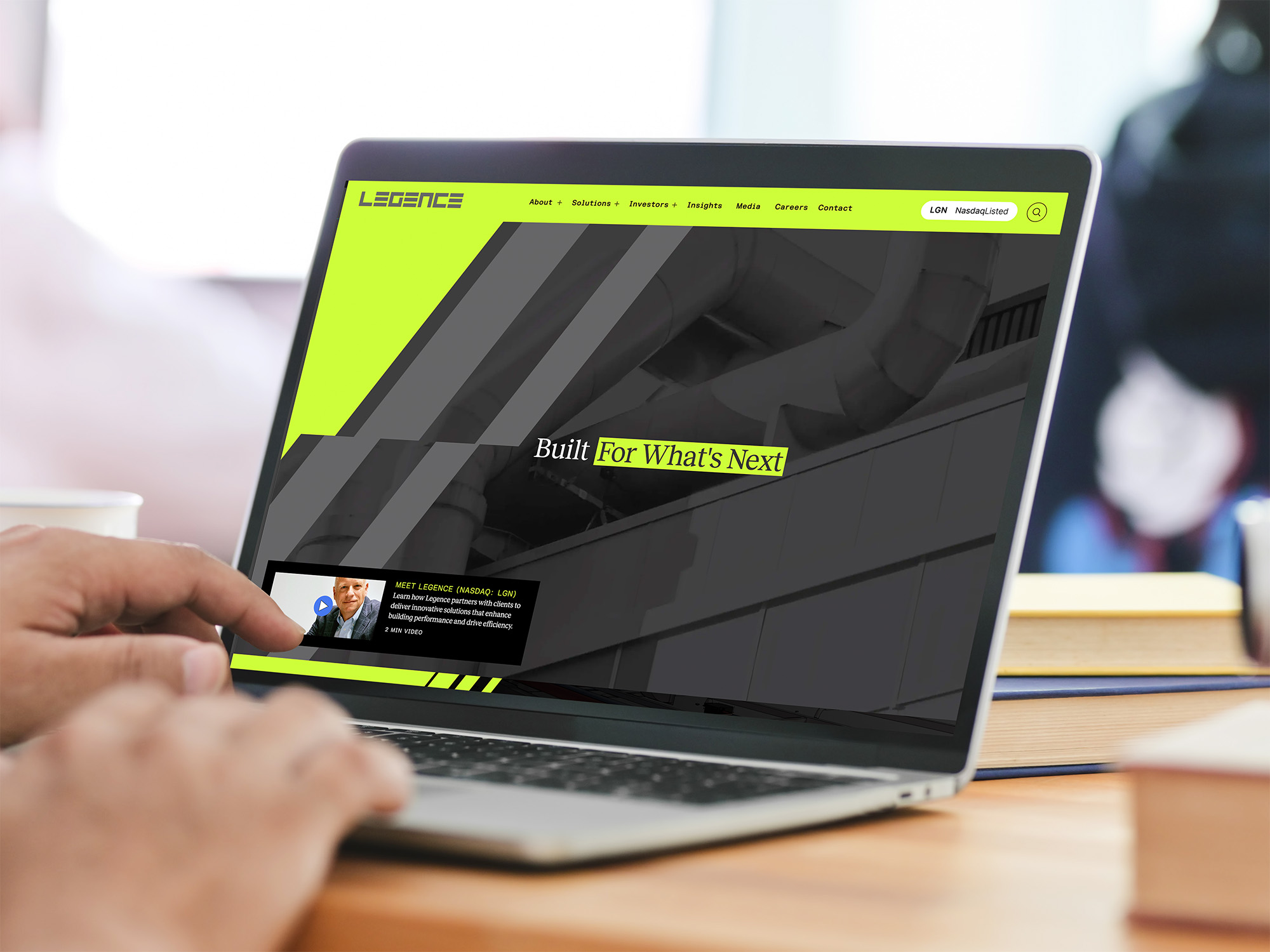
Legence
Built for What's Next!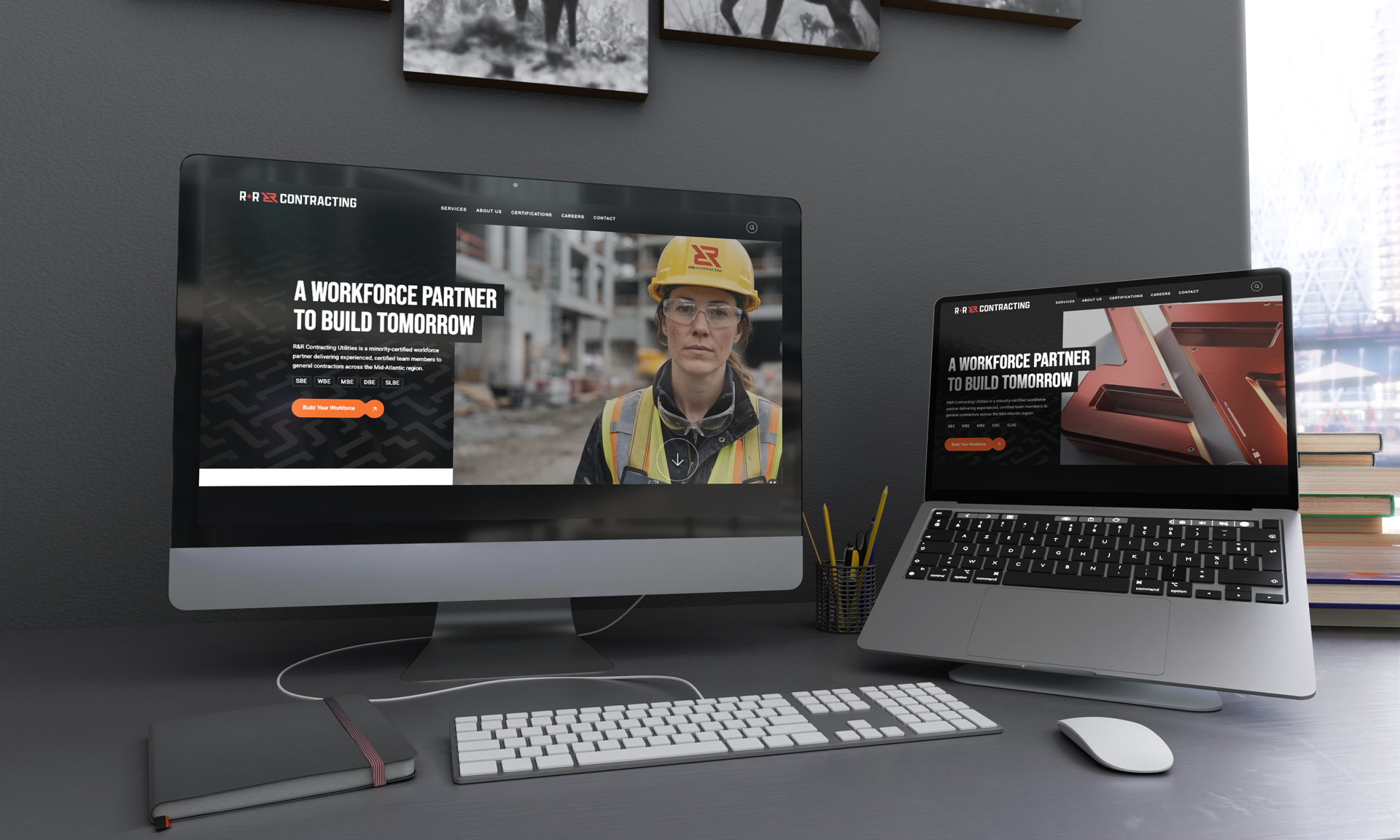
R&R Contracting
Your Trusted Minority Workforce Partner
Monday Properties
Monday invests in new online digital site.
Goose Creek Village
Lifestyle Center BrandingWhere it earns its keep
- +New pages and sections, built in the site's own template
- +Project page updates from a regional office
- +Leadership changes and new bios
- +Award and news announcements
- +Pursuit-deadline page refreshes
- +Monthly performance review without a second login
- +Lead triage for business development
- +Brand asset distribution to partners and vendors
About Envoy
Who is Envoy for?
expand_more
What can the assistant build?
expand_more
What does the assistant know about our firm?
expand_more
What else is in the portal?
expand_more
Who can see our portal and our data?
expand_more
What is in the Brand Library?
expand_more
Who supports it?
expand_more
Other Innovation Lab subjects
 Innovation Labarrow_forward
Intelligent Digital Asset Management
A digital asset platform that reads, watches, and listens to everything in the library—so thirty years of produced work is one search away. Built entirely in-house, with every AI model running on our own hardware.
 Innovation Labarrow_forward
ConsentLine
A consent management platform engineered by Interface that blocks GTM and analytics scripts from entering the document until a visitor grants permission. Zero requests to Google before consent—verified with network captures on every deployed site.
 Innovation Labarrow_forward
Real-Time Virtual Reality
Cinematic gaming engines—Unity and Unreal—rebuilt as architectural design tools. Real-time navigation, real-time material changes, headset-ready immersion before a single trade mobilizes.
 Innovation Labarrow_forward
4D Construction
A construction schedule rendered in the fourth dimension—time. Bar-chart efficiencies and conflicts surface as a 3D animation before crews mobilize.